
What MedICS is
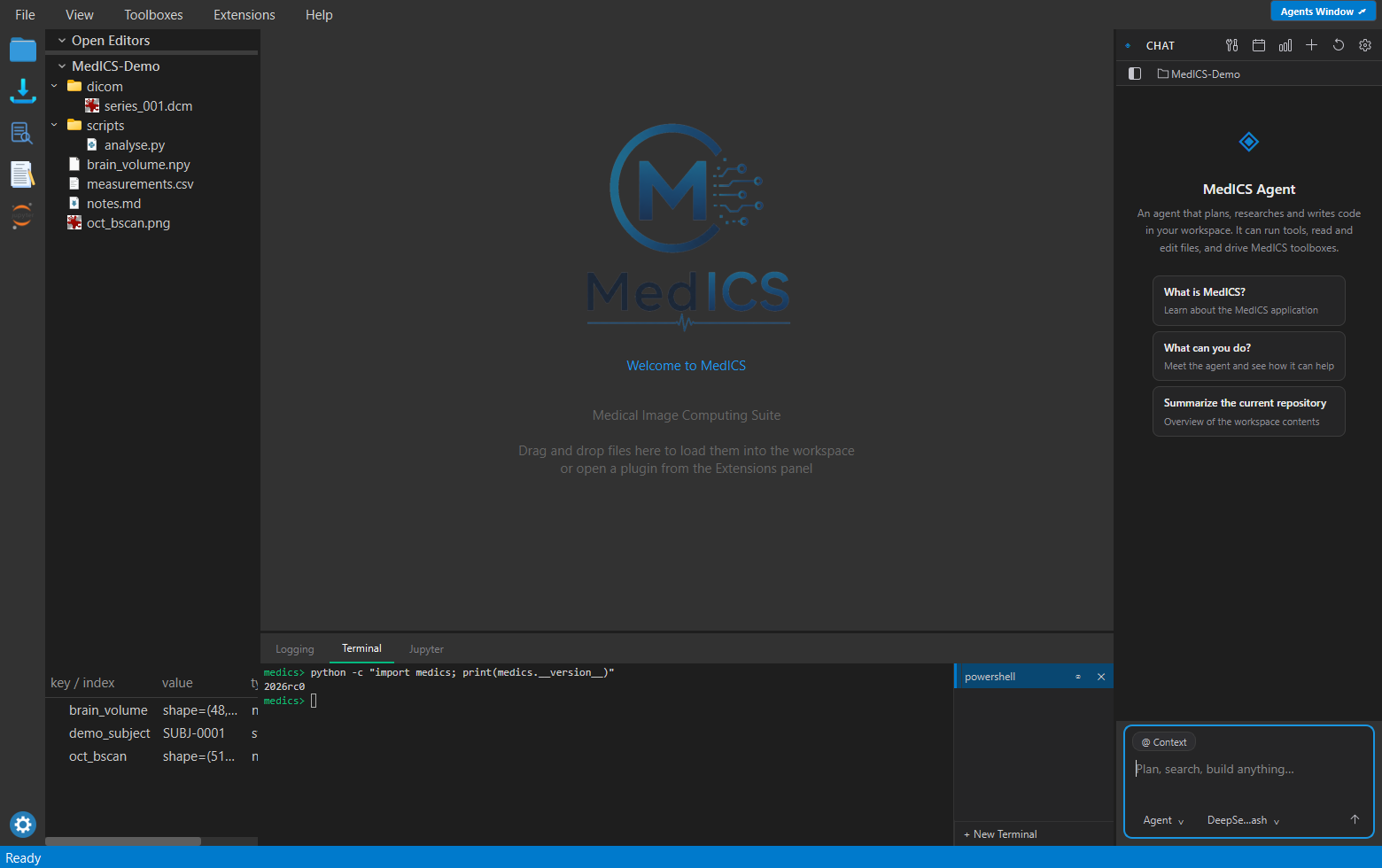
MedICS (Medical Image Computing Suite) is a desktop application for loading, inspecting and analyzing medical images. Image viewing, Python scripting, data import and third-party tools all live in one window instead of being spread across separate programs.
Key features
| Area | What you get |
|---|---|
| Image I/O | Open DICOM (including JPEG 2000 and OCT series), TIFF stacks, NIfTI, HDF5, MATLAB .mat, PNG/JPEG, video and more. |
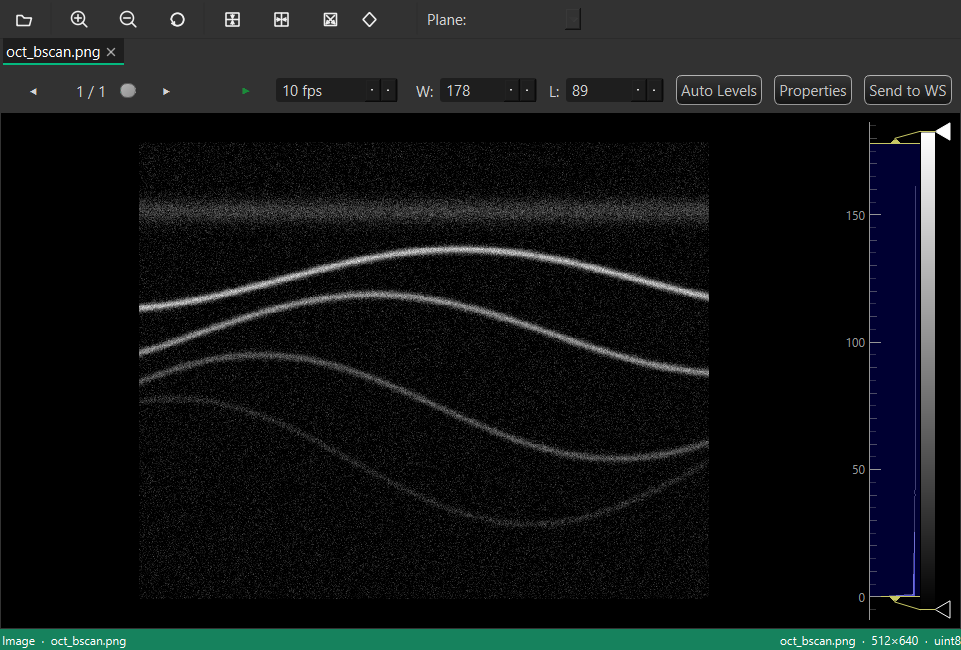
| Preview | Inspect images, volumes, tables, Markdown and code — with slice navigation and window/level, without changing the file. |
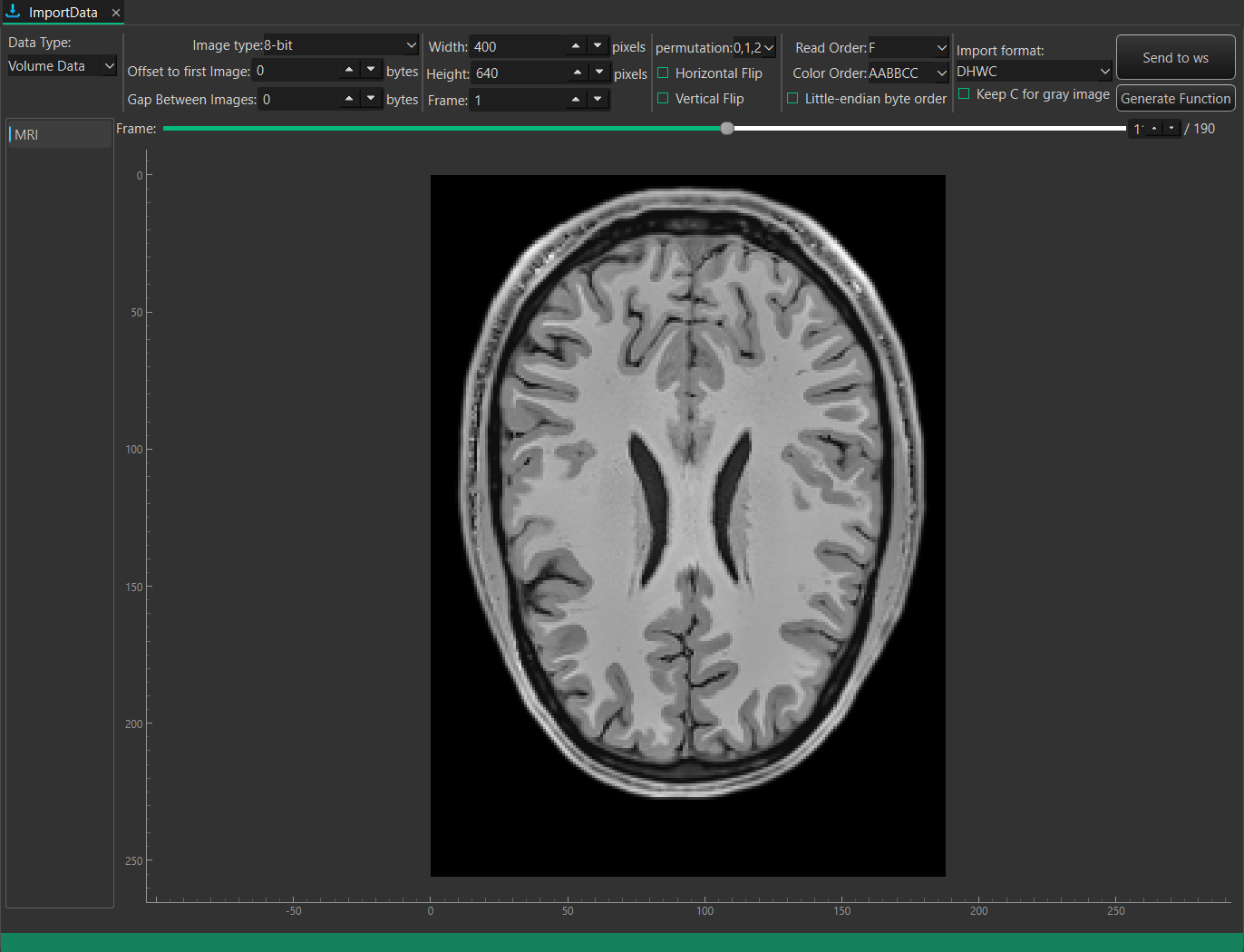
| Import | Load image sequences, single files and whole DICOM folders, with drag-and-drop and background progress. |
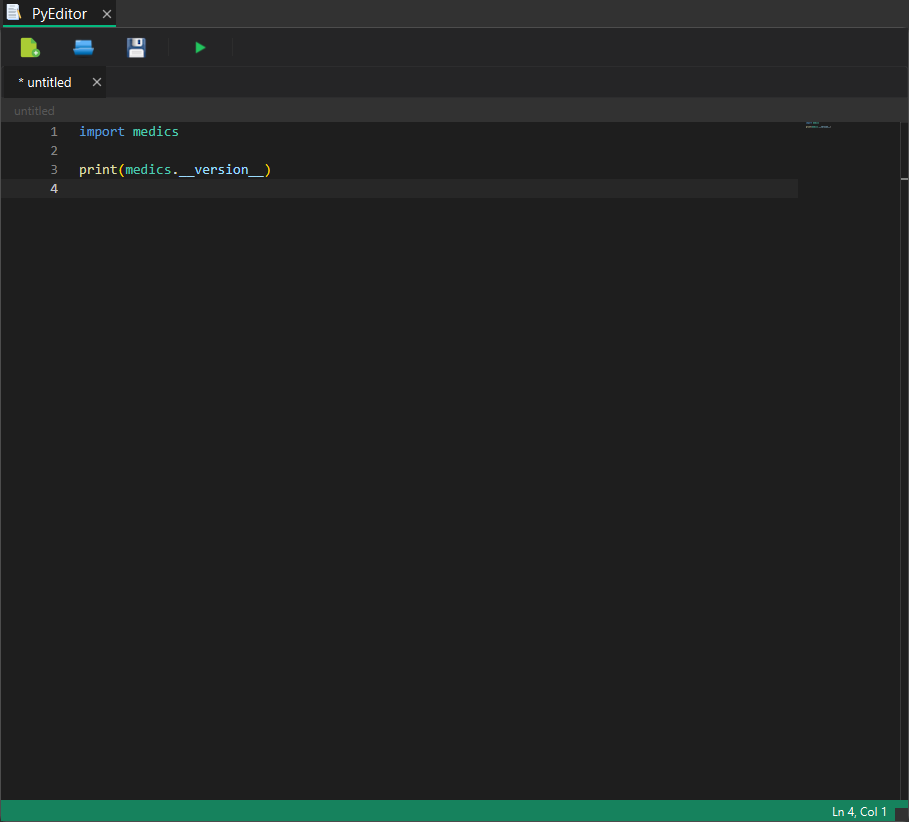
| Python | An interactive console and the PyEditor IDE share one live workspace. |
| Workspace | Keep every result in a named workspace and save it to a .med file. |
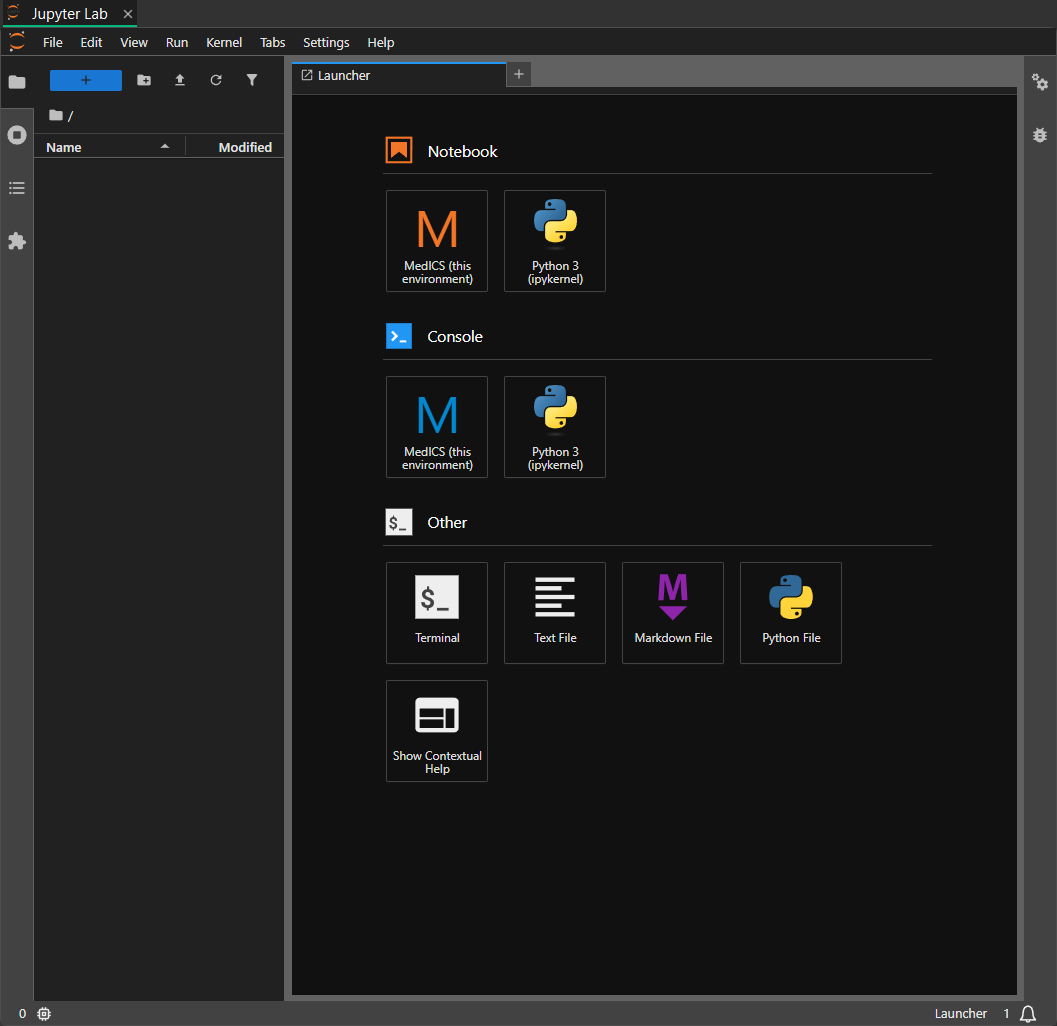
| Toolboxes | FilePreview, ImportData, PyEditor and JupyterLab open as tabs beside your work. |
| Extensions | Add new tools and panels from installable packages — no rebuild of MedICS required. |
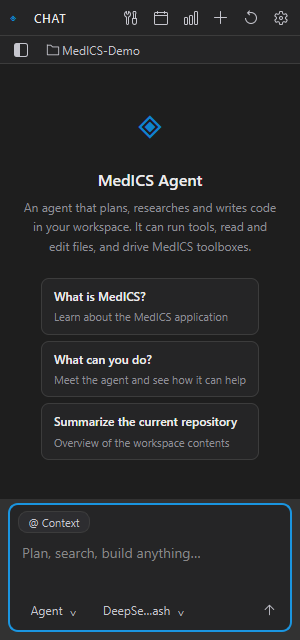
| AI assistant | Ask questions or hand off multi-step tasks; each action that changes data needs your approval. |
Supported formats
| Type | Formats |
|---|---|
| Images | PNG, JPEG, BMP, GIF, WebP, ICO, PPM/PGM/PBM, SVG, single-frame TIFF |
| Volumes | NIfTI, MetaImage, DICOM series, stacked TIFF, MedICS image bundles |
| Scientific containers | HDF5, MedICS .med, MATLAB .mat, NumPy .npy/.npz |
| Tables | CSV, TSV, Excel, Parquet |
| Documents | Markdown, plain text and source code |
| Video | MP4, AVI, MKV, MOV, WebM, WMV, M4V, MPG/MPEG, OGV, 3GP |
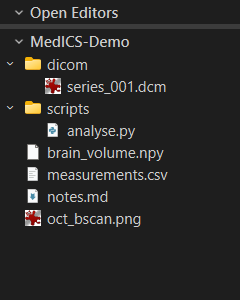
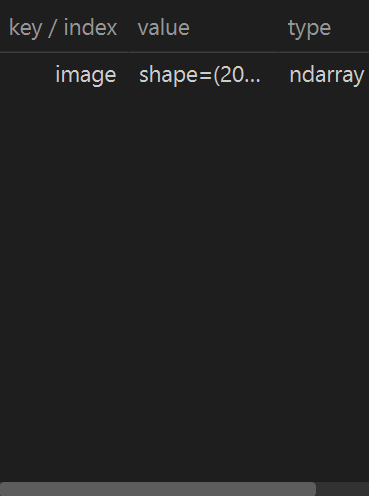
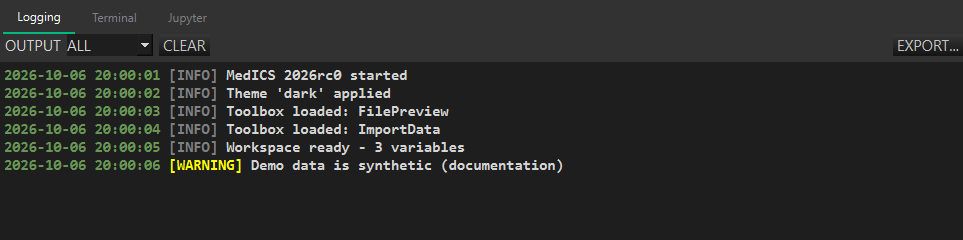
The panels
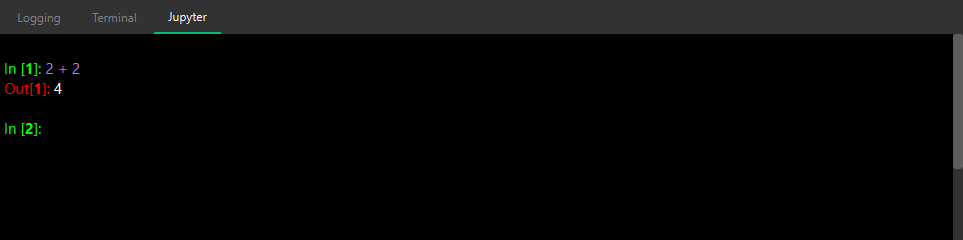
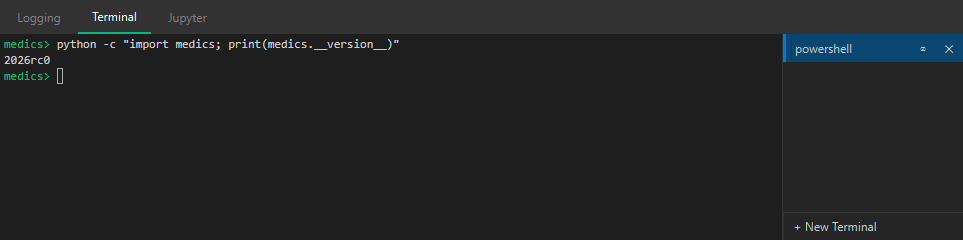
Show or hide panels from the View menu. Interface & components →
The toolboxes
Built-in tools that open as tabs. Toolboxes →
Read the guide
Basics
Interface & components
The MedICS window and its panels: File Explorer, Variables, Logging, Terminal, Jupyter console, Results and Agent chat.
BasicsSettings & preferences
Appearance, logging, window behaviour, extensions, the AI provider and the MedICS token.
Features
Toolboxes
The built-in tools — FilePreview, ImportData, PyEditor and JupyterLab — and how to use them.
FeaturesAI assistant
Ask questions and let the assistant perform tasks in MedICS, with your approval.
Official Extensions
Retinal Layer Segmentation
AI segmentation of retinal layers in OCT/OCTA volumes — detect the layer boundaries, review and edit them, interpolate across B-scans, and export the results.
Official ExtensionsVolume Labeler
Paint labels on the B-frames or en-face projection of a 3-D volume, constrain work to a slab, measure each label, inspect it in 3-D, and export label maps.
Looking for more? Extensions shows how to add tools to MedICS, and the MedICS Wiki has community tips and examples.